



bienvenido a Cape Diablo
🎁 Tus fondos de pantalla gratuitos para Apple Watch
¡Gracias por unirte a nuestra comunidad! Como prometimos, aquí tienes tus fondos de pantalla exclusivos para Apple Watch, diseñados para complementar tus correas favoritas de Cape Diablo.
Elige tu fondo de pantalla favorito y sigue las instrucciones de descarga a continuación.


¿Cómo descargar tu fondo de pantalla?
1

Presiona o haz clic en el botón Descargar del fondo de pantalla que elijas.
2

Presiona/haz clic en «Ver»
3

Mantén pulsada o haz clic derecho en la imagen y, después, pulsa o haz clic en «Guardar en Fotos». El fondo de pantalla debería aparecer en la galería de tu teléfono.
⌚ Cómo configurar tu fondo de pantalla
En el iPhone
- Abre la aplicación Watch.
- Toca Galería de esferas o selecciona la esfera actual de tu reloj.
- Elige una esfera compatible con fotos (como Fotos o Retratos).
- Toca Fotos y selecciona el fondo de pantalla descargado.
- Toca Añadir o Establecer como esfera actual.
O desde tu Apple Watch:
- Mantén pulsada la esfera actual del reloj.
- Desliza para crear una nueva esfera de Fotos (si está disponible).
- Selecciona la imagen descargada de tus Fotos sincronizadas.
- Guarda y disfruta de tu nuevo estilo.

Completa el look
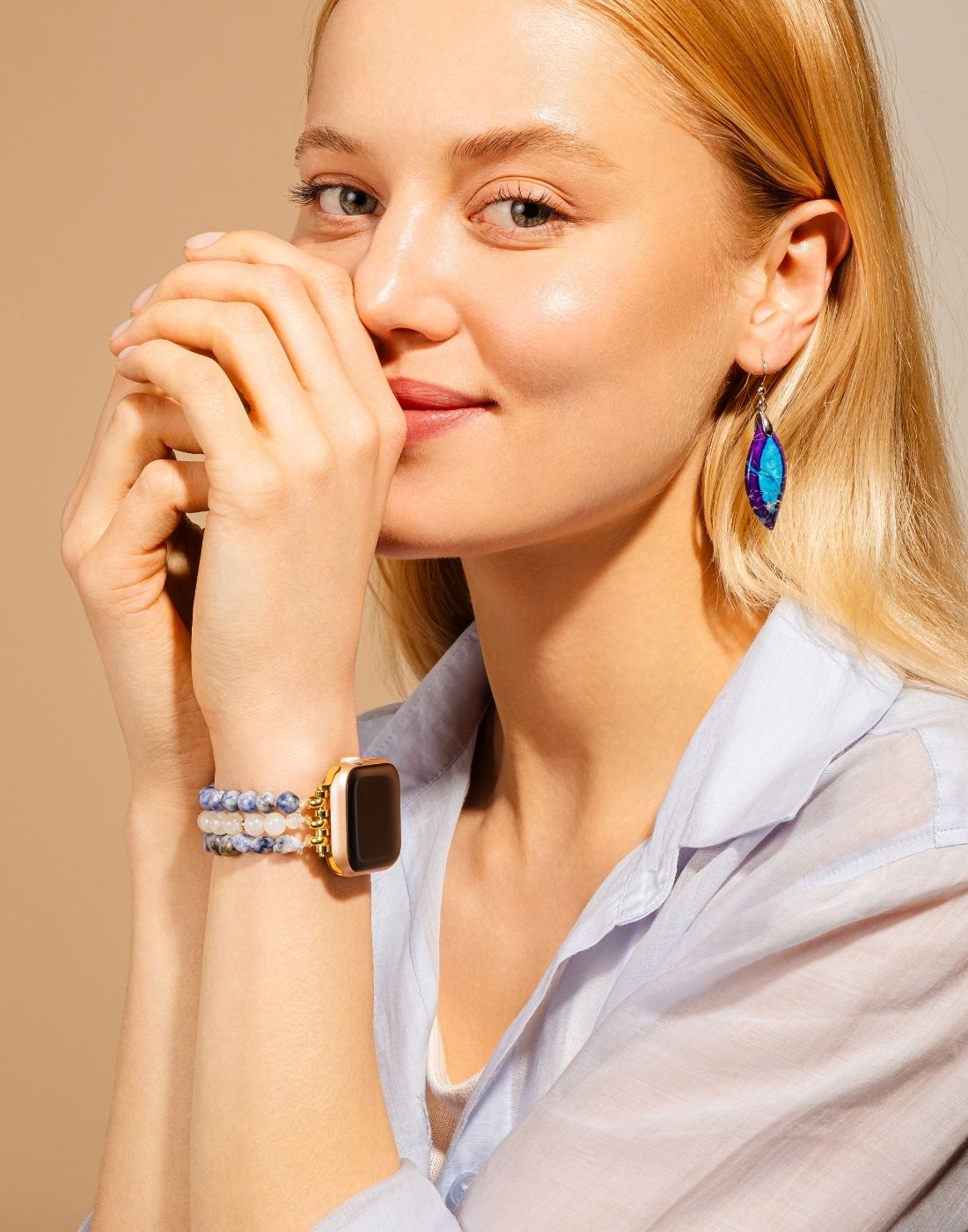
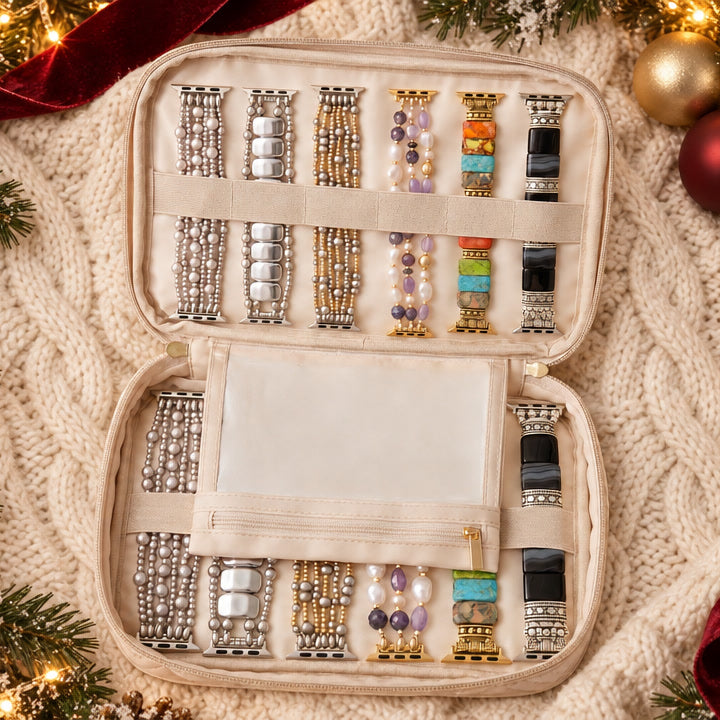
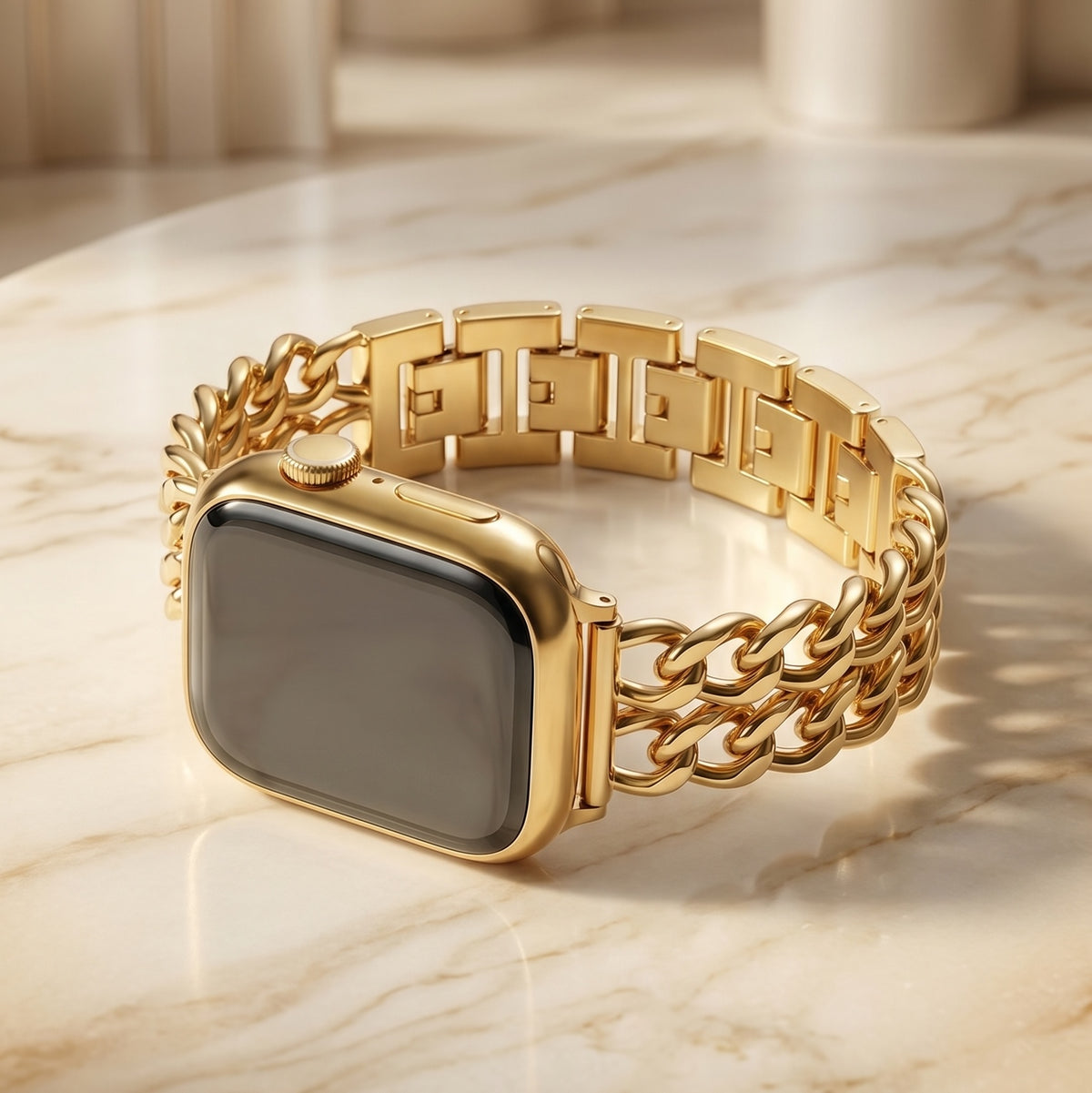
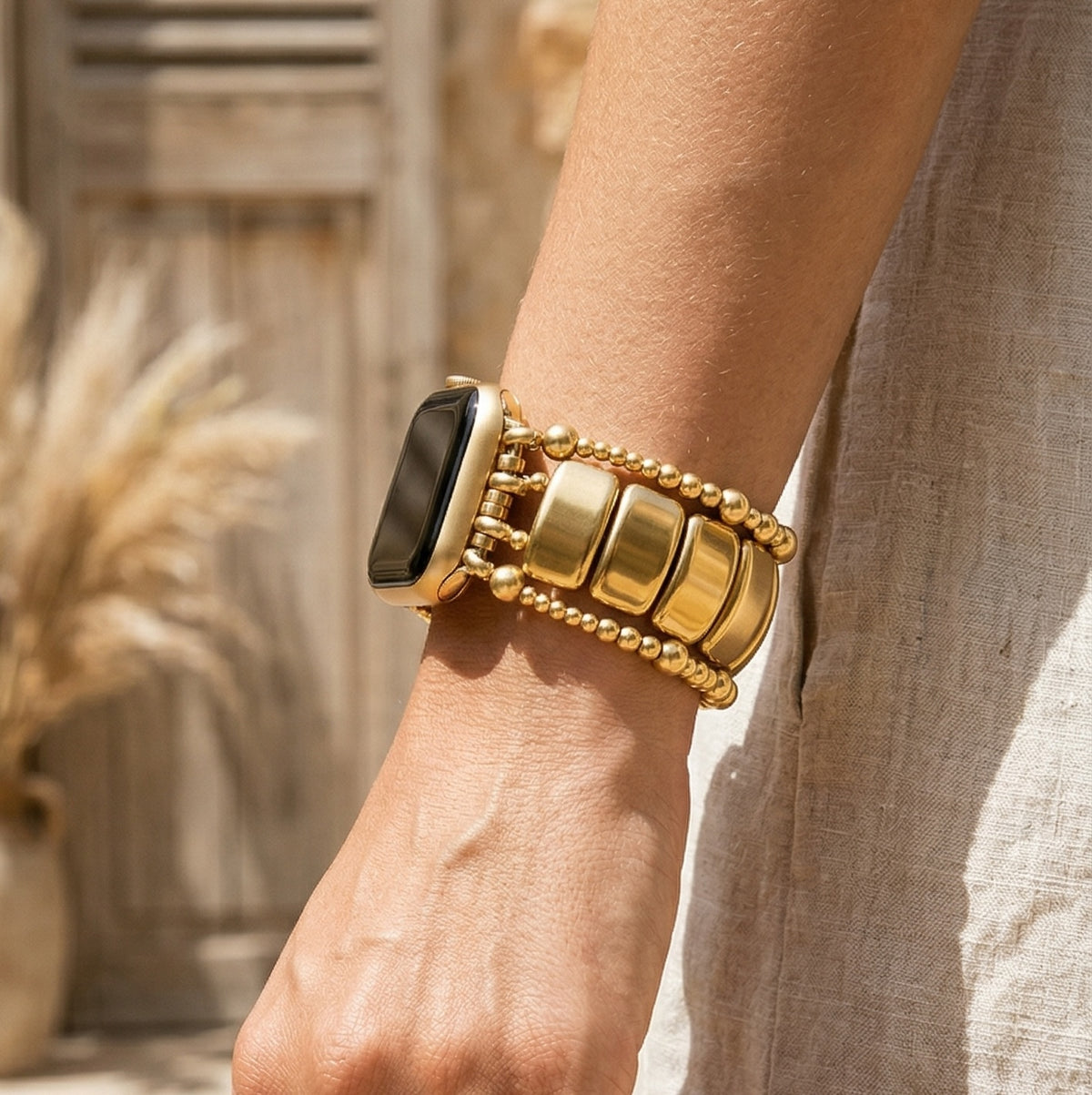
Tu nuevo fondo de pantalla luce aún mejor con una correa artesanal para Apple Watch de Cape Diablo.
Explora nuestra colección de pulseras de cuero genuino, con cuentas e inspiradas en el estilo bohemio, diseñadas para realzar tu estilo diario.